
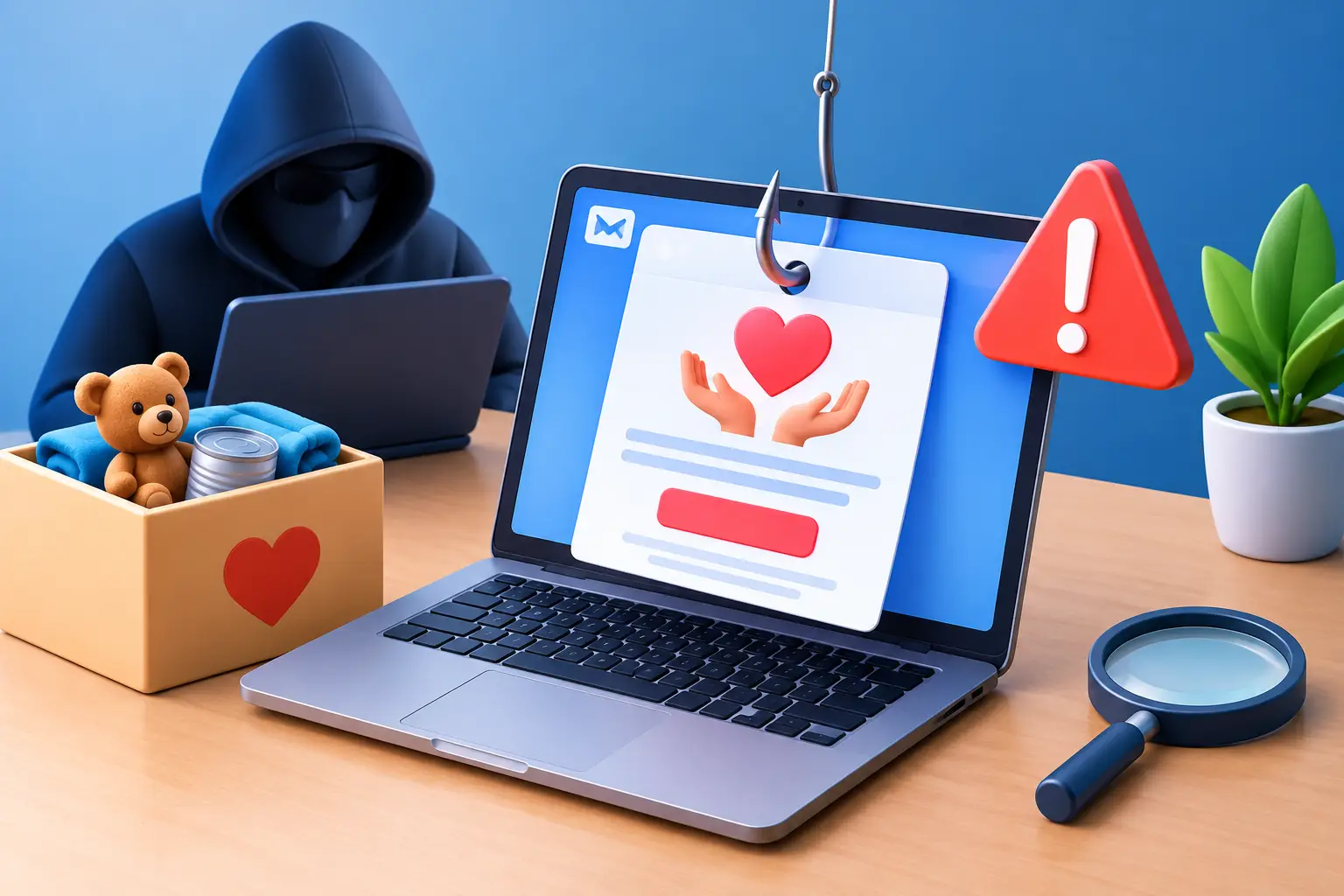
A Friday afternoon email says a major donor has made a generous gift, but the payment is waiting for you to verify your charity’s bank details. It looks convincing, arrives when the office is busy, and promises money your organisation genuinely needs. This charity phishing example shows why scams aimed at good causes can be so effective: they exploit urgency, trust and the natural desire to respond quickly.
Charities, community groups and small teams often work with shared inboxes, volunteers and limited admin time. That is not a weakness. It does mean that a clear, calm process for checking suspicious messages can make a real difference.
A realistic charity phishing example
Imagine a local charity in Bradford receives an email apparently from a familiar fundraising platform. The sender name reads “Donor Support Team” and the logo, colours and wording look right at first glance. The email says that a donation of £2,500 is pending because new anti-fraud checks require confirmation within 24 hours.
A button marked “Release Donation” leads to a sign-in page that closely resembles Microsoft 365. An administrator enters their email address and password. Nothing obvious happens. The page may even redirect them to the genuine fundraising site, leaving them to assume the donation process simply timed out.
The criminals now have the login details. If multi-factor authentication is not in place, they may access the mailbox immediately. From there, they can search for bank details, invoices, grant applications and messages containing personal information about donors, staff or service users. They may also send believable emails from the compromised account, asking colleagues to pay an urgent invoice or change supplier bank details.
The £2,500 was never real. The email was designed to steal access, not to make a donation.
Why this type of phishing works
Phishing is not usually about poor spelling or obviously strange messages any more. Criminals copy branding, use genuine names found on websites or social media, and time their messages around busy periods such as appeals, payroll runs or year-end reporting.
For charities, the emotional pressure can be particularly sharp. A message might refer to a supporter’s kindness, a grant deadline, a safeguarding concern or an urgent request for help. It can feel awkward to question an apparent donor or partner, especially when the message sounds helpful.
The most effective scams also use a little truth. Perhaps your charity does use the platform named in the email. Perhaps the sender has copied a real staff member’s signature from an earlier breach. Or perhaps the request arrives shortly after you have promoted a fundraising campaign. That familiarity is what makes a rushed click risky.
Warning signs worth a second look
No single sign proves that an email is fraudulent. A legitimate contact can use an unfamiliar address, and a genuine invoice can arrive unexpectedly. The key is to pause when several details do not quite add up.
Check the sender’s full email address, not just the display name. A scammer may use a lookalike domain such as a missing letter, an extra word or a different ending. “microsoft-support.co.uk” is not the same as an email sent from Microsoft.
Read the request as well as the branding. Pressure to act immediately, threats that an account will be closed, unexpected requests for passwords, or a change to payment details should all prompt an independent check. Be especially cautious if someone asks you to bypass your usual approval process because a trustee, chief executive or supplier is unavailable.
Hover over links before selecting them to see where they really lead. On a computer, the destination normally appears near the bottom of the browser. A link that claims to go to a trusted organisation but points somewhere unrelated should be left alone. On a phone, it is often safer to open your browser separately and visit the service through a saved bookmark or by typing its usual address.
Attachments deserve the same care. An unexpected PDF, spreadsheet or document can contain a malicious link or ask you to enable content. If you were not expecting it, verify it with the sender using a phone number or contact method you already trust, not one supplied in the email.
What to do before you click
A simple rule helps busy teams: stop, check, then act. You do not need to be an IT specialist to follow it.
First, ask whether the message fits what you were expecting. Has this donor, supplier or platform contacted you in this way before? Next, use a separate route to verify the request. Log into the known website directly, call a number from your records, or start a new email to a contact address you have used previously.
For payment requests, make verification a routine rather than a judgement call. A two-person check and a call-back to a known number can feel slow when funds are needed, but it is far quicker than recovering money sent to a criminal. This matters for changes to bank details, new payees, urgent invoices and requests that appear to come from senior leaders.
It also helps to agree who owns which decisions. Volunteers and administrators should know that they are allowed to question a suspicious message, even if it appears to come from a trustee or manager. A healthy culture says, “Thanks for checking”, rather than treating caution as a delay.
If someone has entered their details
Act promptly, but do not panic. The first priority is to reduce the attacker’s access. Change the password for the affected account using a known, clean device, and sign out of other sessions if your email system offers that option. If the same password has been used elsewhere, change those accounts too, starting with email and financial services.
Tell your IT support provider or the person responsible for your systems straight away. They can check sign-in activity, mailbox rules, forwarding settings and any suspicious messages sent from the account. Criminals often create hidden rules that forward email to themselves or move replies out of sight, so simply changing the password may not be the whole job.
If bank details, payment information or money may be involved, contact your bank immediately. If personal data relating to staff, donors or service users has been exposed, your organisation may also need to assess whether it must report the incident to the Information Commissioner’s Office. The right action depends on what data was accessed, who could be affected and the likely impact. Keeping a short record of what happened, when it was discovered and what steps were taken will help.
Do not delete the original message until your IT team has seen it. Reporting it through your email provider’s phishing option is useful, but only after preserving the details needed to investigate.
Build protection into everyday charity work
Technology should support good habits, not replace them. Multi-factor authentication is one of the strongest practical protections because a stolen password alone is less likely to give a criminal access. It is especially valuable for email, cloud files, finance systems and fundraising platforms.
Use unique, long passwords stored in an approved password manager, rather than shared notebooks or repeated passwords. Review who has access when staff or volunteers leave, and avoid giving everyone administrator rights simply for convenience. Regular software updates and sensible email filtering also reduce the number of dangerous messages that reach inboxes in the first place.
Training need not be formal or intimidating. A ten-minute discussion after a near miss can be more memorable than a once-a-year presentation. Use examples relevant to your work: fake donation notices, grant offers, supplier invoices, volunteer rota messages and impersonated trustees. Encourage people to report anything uncertain. A reported harmless email is a small interruption; an unreported malicious one can become a serious incident.
For organisations handling sensitive information or applying for funding, Cyber Essentials can provide a useful framework for these basics. It is not a promise that phishing will disappear, but it encourages the controls that make an attack harder to carry out and easier to contain.
Make caution part of your culture
The goal is not to make every email feel threatening. It is to give your team permission to slow down when money, passwords or personal information are involved. Most genuine donors, partners and suppliers will understand a quick verification call. The right people will welcome the fact that you are protecting the organisation they support.
If your charity or community group in Bradford, Leeds, Halifax or the wider West Yorkshire area is unsure whether its email protections and processes are up to scratch, Bees Knees IT can help take the sting out of the practical checks. A calm second pair of eyes is often all it takes to turn uncertainty into a safer next step.


Leave A Comment