
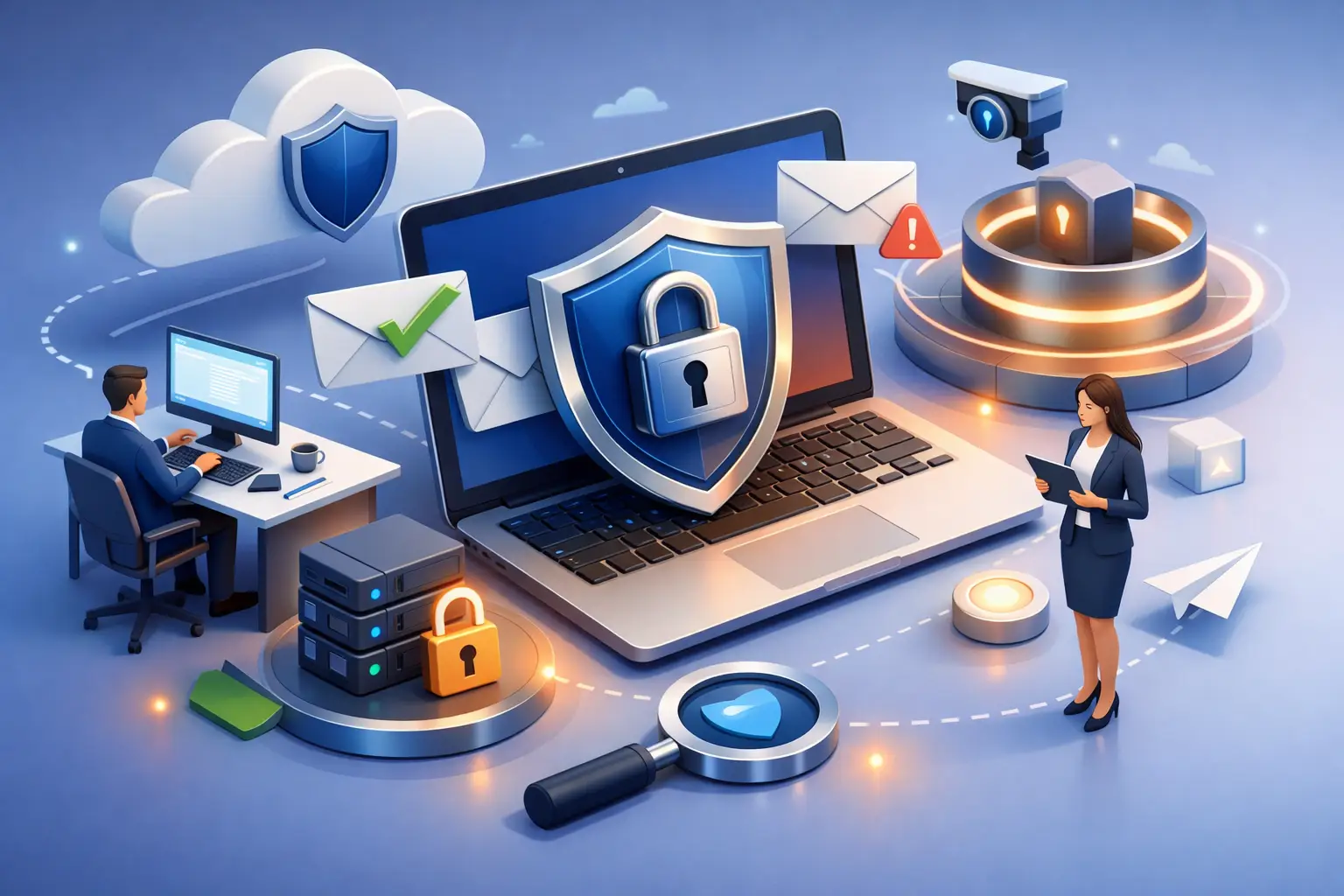
A convincing email from a supplier, a fake Microsoft 365 sign-in page, or a request from the ‘chief executive’ to pay an urgent invoice can cause a great deal of damage in a matter of minutes. For small businesses, charities and community groups, email is where daily work happens – and that makes it a prime target for criminals.
Learning how to secure business email is not about making life harder for your team. Done properly, it gives people a few clear safeguards, sensible habits and someone to call when an email does not look right. That means less disruption, fewer anxious moments and a much lower chance of money or information ending up in the wrong hands.
Why email security deserves attention
Email attacks are rarely dramatic at first. A criminal may spend weeks watching for invoice conversations, copying the tone of a director or sending messages from a familiar-looking address. Their aim could be to steal passwords, redirect a payment, access personal data or use one compromised mailbox to approach everyone else in your organisation.
Charities and smaller organisations can be attractive targets precisely because time is tight and responsibilities are shared. The finance volunteer may also manage supplier records. An office manager may handle payroll, event bookings and new starter accounts. There is no shame in that – but it does mean email security needs to be practical enough to work on a busy Tuesday morning.
The right approach depends on the information you hold, the software you use and how your people work. A five-person office with shared devices has different needs from a charity team spread across Bradford, Leeds and Halifax. The foundations, however, are much the same.
How to secure business email from the ground up
Use unique passwords and multi-factor authentication
A long, unique password is still useful, but passwords alone are not enough. If someone is tricked into entering one on a fake website, the attacker can use it immediately. Multi-factor authentication, often shortened to MFA, adds a second check, such as an approval on an authenticator app or a security key.
Turn on MFA for every email account, especially administrators, finance staff and senior leaders. Do not leave it as an optional extra for people to set up when they have time. An authenticator app is usually safer than text-message codes, although text messages are still better than having no second factor at all.
Avoid shared email logins where possible. A shared inbox such as accounts@ or enquiries@ is useful, but each person should access it through their own account. That way, access can be removed promptly when someone leaves, and you can see what has happened if a problem arises.
Keep control of who has access
Businesses often collect old accounts without realising it. Former employees, temporary workers, trustees, volunteers and external suppliers may still have access to a mailbox, files or a shared address. That is an unnecessary risk.
Keep a straightforward record of user accounts, administrator rights and shared mailboxes. Review it regularly and make account removal part of every leaver process. If a member of staff changes roles, check whether they still need access to finance, HR or management communications.
Administrator accounts deserve extra care. They can reset passwords, create new users and change security settings, so only a small number of trusted people should hold these permissions. Where your email platform allows it, use a separate admin account for administration rather than granting full rights to someone’s everyday inbox.
Configure the technical protections properly
Most business email services include spam filtering, malware scanning and suspicious sign-in alerts. These tools are helpful, but they need to be switched on, monitored and configured to suit your organisation.
Your email domain should also use SPF, DKIM and DMARC. These are technical settings that help receiving email systems check whether messages claiming to come from your domain are genuine. They reduce the chance of criminals impersonating your organisation and help protect your reputation when you send emails to customers, donors or partner organisations.
This is an area where a poorly made change can interrupt legitimate email, so it is worth getting the setup checked rather than guessing. Start with visibility, see what is being sent in your name, then tighten the policy once you are confident the genuine services are covered.
It is also sensible to block automatic forwarding to personal external email accounts unless there is a clear business reason. Criminals who gain access to a mailbox often set hidden forwarding rules so they can continue reading messages even after a password has been changed.
Teach people what a real threat looks like
The best filters will not catch every malicious message. People need permission to pause and ask, particularly when an email creates urgency, secrecy or pressure.
A suspicious email might ask someone to sign in again, open an unexpected attachment, change bank details, buy gift cards or make a payment outside the usual process. It may look polished. It may come from a colleague’s compromised account. Spelling mistakes are no longer a reliable warning sign.
Make reporting easy and blame-free. Your team should know exactly what to do if they receive a questionable message or click something by mistake. The right response is to report it quickly, not to worry about being told off. Speed gives your IT support team a better chance to contain the problem before it spreads.
Short, regular reminders work better than one annual lecture. Use examples that reflect your own work: fake supplier invoices, donation-related fraud, meeting invitations or password reset requests. If you run simulated phishing exercises, use them as a learning tool, not a test designed to catch people out.
Put a payment verification process in writing
Email is a common route into invoice fraud. A criminal may impersonate a supplier and send new bank details, or pose as a director asking for an urgent transfer. These scams succeed when a normal approval process is bypassed.
Set a rule that changes to supplier bank details and unusual payment requests must be confirmed by phone using a number you already hold, not one in the email. For larger payments, require a second person to approve the transaction. Even a small organisation can create a sensible pause point before money leaves the bank.
This can feel cautious, but it is far less inconvenient than trying to recover funds after a fraudulent transfer. Genuine suppliers will understand why you are checking.
Do not forget backups and recovery
Many teams assume their cloud email provider keeps a complete backup of everything forever. That is not always the case. Retention, deleted-item recovery and protection against accidental changes vary between services and licences.
A separate backup for email, contacts, calendars and cloud files can make recovery far easier after accidental deletion, ransomware or an account takeover. It should be checked, not simply paid for. Ask how quickly messages can be restored, who can request a restore and whether the backup includes shared mailboxes.
You also need a simple incident plan. It does not have to be a weighty document. Record who to contact, how to reset access, how to alert staff and customers if needed, and who can speak to your bank or report a serious data breach. Keep emergency contact details somewhere accessible if email itself is unavailable.
Watch for signs an account has been compromised
Early warning signs include password reset emails you did not request, unfamiliar MFA prompts, messages appearing in Sent Items, unexpected forwarding rules, or colleagues receiving odd requests from your address. A sign-in alert from an unfamiliar location deserves attention too, although location data is not always exact.
If you suspect an account has been compromised, act promptly. Change the password, revoke active sessions, check MFA methods and inbox rules, and review what the attacker may have accessed. Tell affected contacts if fraudulent messages may have been sent from the account. Do not simply delete the suspicious email and hope for the best.
For organisations working towards Cyber Essentials, these controls also support the wider goal of managing access, keeping systems secure and responding effectively to threats. More importantly, they protect the people and services that rely on you.
Make email security part of everyday support
The strongest protection is not a single product. It is a routine: secure setup for new starters, quick removal of leavers, regular checks of access and security alerts, training that people can actually remember, and support when something feels wrong.
For many West Yorkshire organisations, an outsourced IT partner can take the technical administration off an already busy team while keeping decisions clear and proportionate. Bees Knees IT can help put those controls in place without burying people in jargon.
A cautious click, a quick phone call to verify a payment and the confidence to report a mistake can protect far more than an inbox. Give your team clear guidance, keep the technical basics looked after, and let them get on with the work that matters.


Leave A Comment