
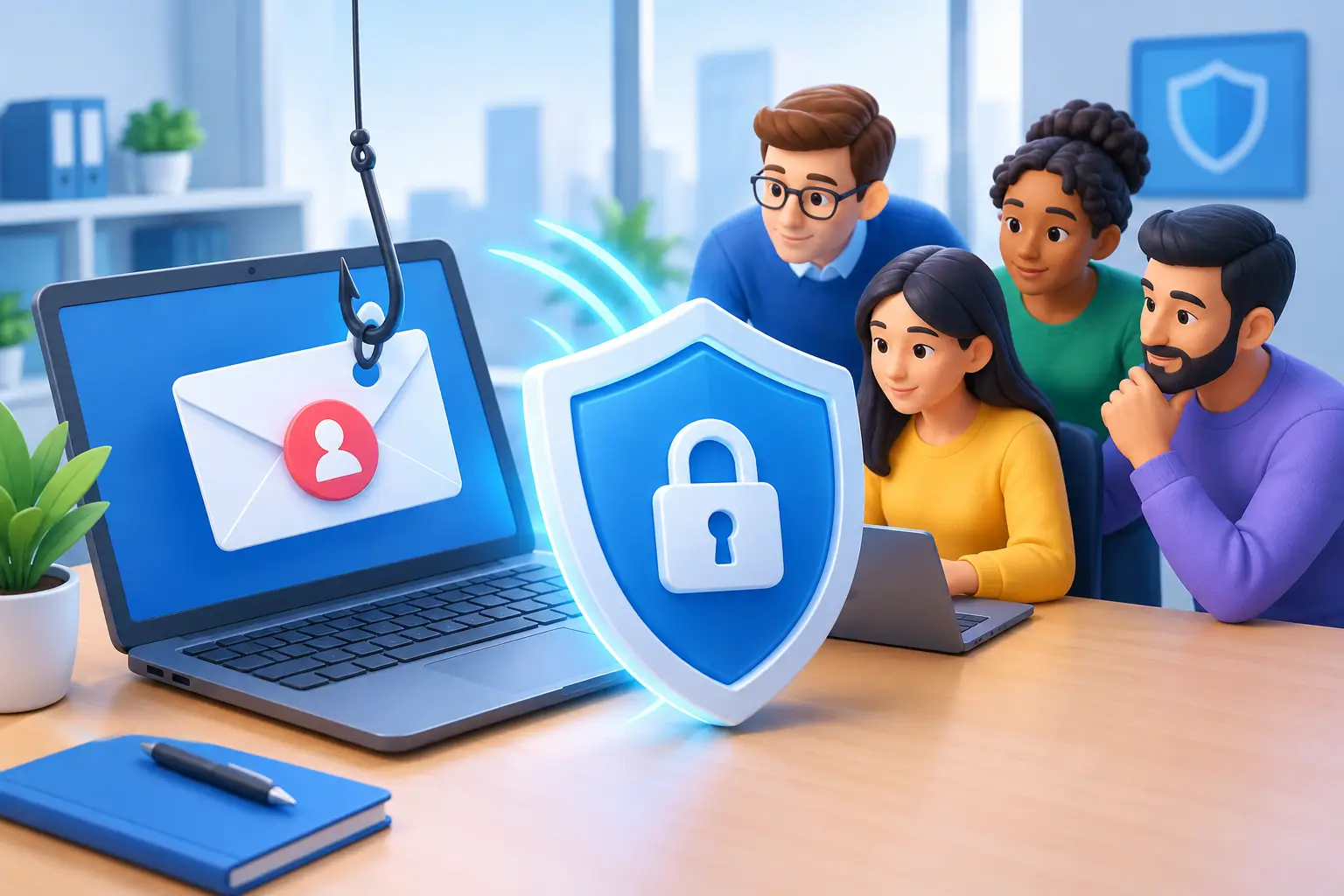
A convincing phishing email rarely looks like the old-fashioned scam messages people expect. It may appear to come from your bank, a supplier, HMRC, a colleague or even your chief executive. It may arrive just as someone is busy processing invoices, arranging an event or responding to a supporter. Knowing how to reduce phishing risk means putting sensible checks around those pressured moments, rather than expecting every member of staff to spot every trick.
For charities, community groups and growing businesses across Bradford, Leeds and Halifax, one bad click can mean lost funds, exposed personal data, a locked Microsoft 365 account or days of disruption. The good news is that phishing risk can be reduced significantly with practical, layered protection that does not make daily work a chore.
Start with the real risk: people under pressure
Phishing works because it exploits normal human behaviour. A message creates urgency, curiosity or concern: an invoice is overdue, a password is about to expire, a parcel cannot be delivered, or a senior colleague needs an urgent payment. Criminals are becoming better at copying familiar branding and writing believable messages, particularly when they have gathered information from websites and social media.
That is why telling staff to “be more careful” is not enough. People need clear, repeatable habits that fit the way they work. Encourage everyone to pause before acting on unexpected requests, especially those involving payments, passwords, bank details or personal information.
A useful rule is to verify the request through a different channel. If an email appears to be from a supplier asking to change bank details, call the supplier using a number you already hold – not one in the email. If a message from a colleague seems unusual, ring them or speak to them on Teams. This small pause prevents a large proportion of successful scams.
How to reduce phishing risk with clear reporting
Staff should know exactly what to do when something looks suspicious. If the process is unclear, people may delete the message quietly, forward it around the office, or click first and ask later. None of those responses helps your organisation learn from the attempt.
Make reporting simple and blame-free. A short instruction such as “report it to IT and do not reply, click or forward it” gives people confidence. If someone has clicked a link or entered details, the message must be reported straight away. Speed matters far more than embarrassment. Early action can allow passwords to be changed, sessions to be ended and malicious rules to be removed before an attacker gains a stronger foothold.
It also helps to share examples of real attempts with the team. A brief monthly reminder is often more effective than a single annual presentation. Show what made the email suspicious: a slightly altered sender address, an unexpected attachment, an odd request, poor timing, or a link that leads somewhere unrelated. Keep the language plain. The aim is confidence, not a test.
Protect email accounts with strong sign-in controls
Email is often the front door to the rest of an organisation. A compromised mailbox can be used to reset other passwords, impersonate staff and search for invoices, contact lists and sensitive documents. Good account protection is therefore one of the best investments you can make.
Multi-factor authentication, often shortened to MFA, should be enabled on all email, cloud storage, finance and administrator accounts. It adds another check after the password, usually through an authenticator app, security key or approved prompt. A stolen password alone is then much less useful to a criminal.
Not all MFA methods offer equal protection. Text-message codes are better than nothing, but authenticator apps or security keys are generally harder to intercept. Where possible, use number matching or phishing-resistant sign-in methods for staff with access to finance, confidential records or IT administration.
Passwords still matter too. Staff should use long, unique passwords for every account and store them in an approved password manager. Reusing one password across services turns a breach elsewhere into a risk for your organisation. Avoid forced password changes on an arbitrary timetable unless there is evidence of compromise; this can lead to predictable, weaker passwords. Instead, use strong passwords, MFA and prompt action when an account is suspected to be at risk.
Make payment checks non-negotiable
Payment fraud deserves its own process because attackers often impersonate a director, trustee, supplier or regular contractor. They may wait until they understand who authorises payments, then send a convincing request at precisely the wrong time.
Create a written verification process for changes to supplier bank details and unusual payment requests. It should state who can approve a payment, how the request is checked independently and which contact details must be used for verification. The process needs to apply even when the email appears to come from a senior person. In fact, that is when it matters most.
For smaller teams, this can feel inconvenient. There may only be one person available to make payments. In that case, agree a practical alternative in advance, such as a trustee, director or external bookkeeper confirming higher-value or unusual transactions by telephone. The right approach depends on your size and workload, but no single email should be enough to change where money goes.
Use technical controls that stop more at the door
Good staff awareness is essential, but it should not be your only defence. Email filtering can block known malicious senders, dangerous attachments and suspicious links before they reach an inbox. Anti-spoofing controls help reduce the chance of criminals pretending to send messages from your own domain.
Your IT provider can also configure domain protections such as SPF, DKIM and DMARC. These are technical checks that help receiving mail systems assess whether a message claiming to be from your organisation is legitimate. They do not stop every impersonation attempt, particularly where criminals use lookalike domains, but they are an important part of responsible email security.
Keep computers, phones, browsers and business software up to date. Phishing often delivers malware through attachments or directs users to fake sign-in pages, and unpatched devices give attackers more opportunities if something does get through. Managed updates, antivirus or endpoint protection, and regular backups provide another safety net.
Be careful not to make security so restrictive that staff find unsafe workarounds. Blocking every file-sharing service, for example, may push people towards personal accounts. The better route is to provide approved tools, explain why they are safer and make them easy to use.
Limit the damage if an account is compromised
No organisation can promise that a phishing email will never reach a user. The real test is how quickly you can contain an incident. Have a short response plan that covers who staff contact, who can reset passwords, who checks mail forwarding rules and who speaks to affected customers, donors or suppliers if necessary.
Attackers who gain access to a mailbox often create hidden forwarding rules so they can keep reading messages after the password is changed. They may also send phishing emails from the genuine account, making the next messages more believable. Your response should therefore include checking sign-in activity, inbox rules, sent items, connected apps and any suspicious changes to multi-factor authentication details.
Backups are valuable, but they are not a cure for every phishing incident. They can help recover files after ransomware, yet they cannot undo a fraudulent bank transfer or retract confidential information already sent out. Prevention, quick reporting and a rehearsed response all work together.
Build a culture where asking is encouraged
The strongest protection is a team that feels comfortable asking, “Does this look right?” Staff should never be made to feel foolish for reporting a suspicious message or admitting a mistake. A calm, helpful response means the next issue is more likely to be raised quickly.
This matters particularly for charities and community organisations, where teams may include volunteers, part-time staff and people sharing responsibilities. Give everyone access to the same simple guidance, and include phishing awareness when somebody joins. If roles change, review what systems and information they can access rather than leaving old permissions in place.
Phishing protection is not about turning every employee into a cyber security expert. It is about giving ordinary people sensible habits, giving them reliable technical safeguards and making sure help is available when something feels off. If your team needs practical support reviewing email security, account access or payment processes, Bees Knees IT can help take the sting out of IT – so your people can get back to the work that matters.



Leave A Comment